
This document is a quick start guide and important safeguards for the IK-WB30A network camera. The guide provides instructions for hardware installation and refers users to the user's manual (PDF file) on the CD-ROM for settings, operations, and other information. Adobe Reader is required to view the PDF files, and it can be downloaded from the Adobe Systems Incorporated website. For information on the latest products and peripheral devices, users can refer to the website: http://www.toshibasecurity.com. If the URL changes, users should visit the Toshiba website (http://www.toshiba.com/tai/products/prod_biz.jsp).
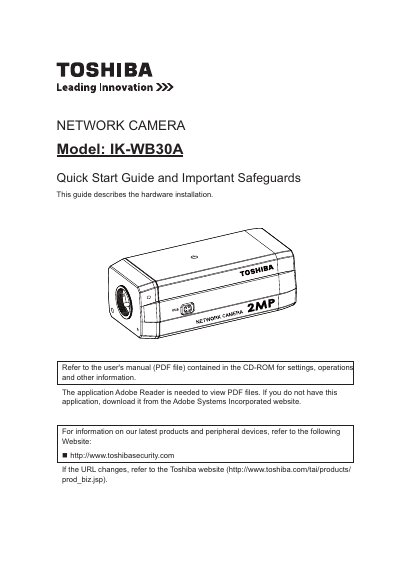
The document serves as a quick start guide for the Toshiba IK-WB30A Network Camera, focusing specifically on hardware installation. It directs users to a separate PDF file on the included CD-ROM for detailed settings, operations, and other information.
The guide outlines necessary system requirements for the administrator's personal computer, including Windows XP or Vista Business, Internet Explorer 7.0 or 8.0, and specific CPU and memory specifications. It also details connection equipment needs and introduces the "Installation Wizard" application found on the CD-ROM to assist in discovering the camera's IP address.
| Operating System Support | Windows XP, Windows Vista Business |
|---|---|
| Minimum CPU Requirement | 2GHz |
| Memory Requirement | 1GB RAM and 512MB Graphics Adapter |
Refer to the user's manual (PDF file) contained in the CD-ROM.
The application Adobe Reader is needed.