
This document describes the features and characteristics of the IK-WB21A Network Camera. The camera is for indoor use only and has functions such as recording, viewing, and operation.
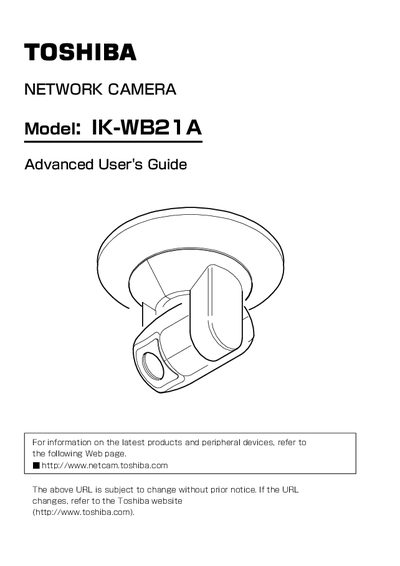
This document is the Advanced User's Guide for the Toshiba IK-WB21A Network Camera. It provides detailed instructions on installing the device, connecting it to a personal computer via a network, and configuring various settings such as audio, video, and alarm terminals.
The guide covers advanced features including preset positions for PTZ (Pan/Tilt/Zoom) control, scheduled recording to SD Memory Cards or FTP servers, and remote monitoring. It also includes sections on administrator log-in, user operation restrictions, firmware updates, and troubleshooting.
No, this camera is for indoor use only and should not be installed outdoors.
The user should try to correct the interference by reorienting the antenna, increasing separation, or connecting to a different circuit.
The power supply must be disconnected and servicing referred to qualified personnel.