
Key facts
- Brand
- Philips
- Model
- SPF4612
- Category
- Other Electronics
- Industry
- Electronics
- Documents
- 2
- Languages
- ZH · EN
- Last added
- 2012-03-27
Start here
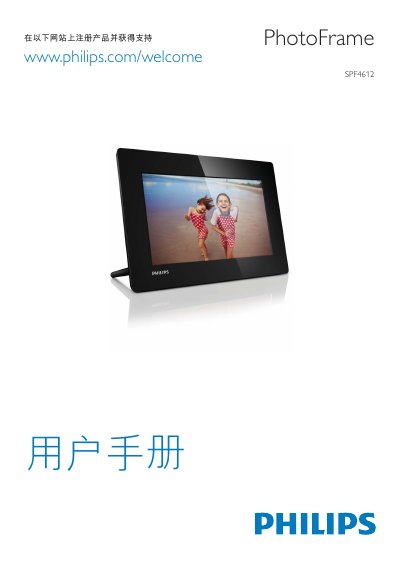
Philips SPF4612 Photo Frame User Guide
This guide explains how to install the SPF4612 Photo Frame, connect power and storage media, and navigate its interface. It covers safety information, button functions such as BACK/HOME and MENU, and troubleshooting tips.
The manual lists the supported media formats and technical limits: image files up to < 8000 × 8000 pixels, video up to < 800 × 600 pixels at 30 fps, and audio sample rates from 8 kHz to 48 kHz. Video codecs include MPEG‑4 and H.264, while audio codecs cover PCM, ADPCM and AAC. Image formats are JPG, JPEG and BMP, and video containers are MOV and MP4. This manual is written in Chinese.
Philips SPF4612 specifications
| Power mode supported | AC powered |
|---|---|
| Efficiency level | V |
| Average consumption (system on) | 5 W |
| Power adaptor model number | ASSA1I-090100 |
| Input voltage | AC 100‑240V ~ 50‑60Hz 0.3A |
| Output voltage | DC 9 V 1000 mA |
All Philips SPF4612 documents by type
Day-to-day operation, settings and troubleshooting. Start here if the product is already set up.
Questions answered in these manuals
How do I switch between slideshow, clock and calendar modes?
Press the button labeled “a” to switch mode between slideshow, clock and calendar.
What power adaptor should be used with the PhotoFrame?
Use the supplied adaptor model ASSA1I‑090100, which accepts AC 100‑240 V input and provides DC 9 V 1000 mA output.