
Key facts
- Brand
- Philips
- Model
- HMP3000
- Category
- Player
- Industry
- Appliances
- Documents
- 3
- Languages
- EN
- Last added
- 2012-03-26
Start here
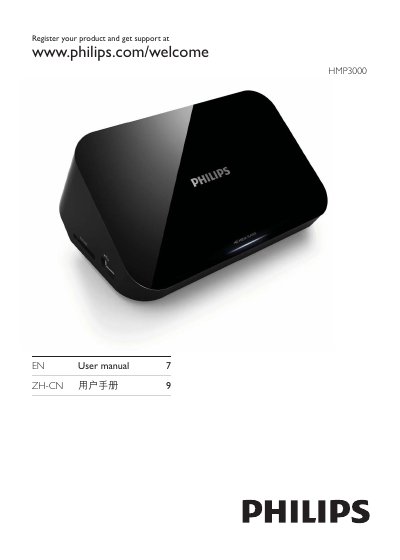
Philips HMP3000 User Manual
This manual covers safety information, product registration, and basic setup for the Philips HMP3000 media player. It explains how to connect video and audio outputs, use the remote control, and configure USB or SD storage devices.
Later sections detail supported media formats, power specifications, environmental compliance, and a troubleshooting guide that helps resolve common issues such as no picture, no sound, or unsupported USB devices.
Philips HMP3000 specifications
| Power Input | DC 9 V 1.1 A |
|---|---|
| Power Consumption (active) | < 10 W |
| Power Consumption (standby) | < 1 W |
| Maximum USB storage size | 1 TB |
| Main unit dimensions | 25 mm × 68 mm × 63 mm |
Source: Philips HMP3000 User Manual
All Philips HMP3000 documents by type
Day-to-day operation, settings and troubleshooting. Start here if the product is already set up.
Questions answered in these manuals
What should I do if there is no picture on the TV?
Refer to the TV user manual to select the correct video input channel.
Why is there no sound output from the TV?
Make sure the audio cables are connected to the audio input sockets that are grouped with the selected video input sockets.
What is the maximum supported USB storage size?
The player supports USB storage devices up to 1 TB in capacity.
Which video output connections are available?
The HMP3000 provides HDMI output and composite video output (1 Vpp ~ 75 Ω).