
Key facts
- Brand
- Philips
- Model
- DVP3020
- Category
- Other Electronics
- Industry
- Electronics
- Documents
- 3
- Languages
- ZH · JA
- Last added
- 2012-03-27
Start here
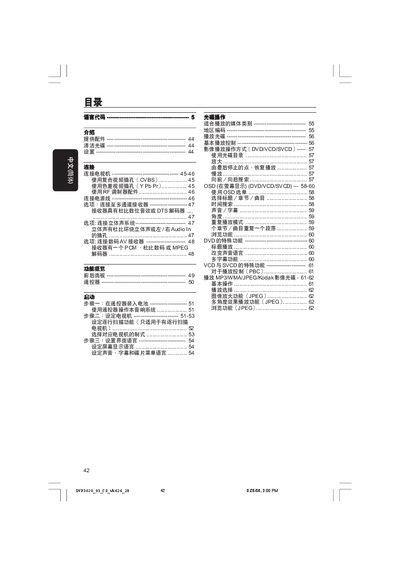
Philips DVP3020 DVD Player User Manual
This manual provides step‑by‑step instructions for setting up the Philips DVP3020 DVD player, including how to install the remote‑control batteries, connect the unit to a TV via composite, component or RF inputs, and configure audio and video settings. It also explains the functions of the front‑panel controls, remote‑control keys, and on‑screen menus.
The guide includes a detailed troubleshooting section, safety warnings, cleaning instructions for discs, and a full specification table covering video formats, audio codecs, power consumption, dimensions and more. Service and warranty information is provided at the end of the document. This manual is written in Chinese.
Philips DVP3020 specifications
| Video format | PAL/50 Hz, NTSC/60 Hz |
|---|---|
| Power consumption | 10 W (standby < 0.8 W) |
| Dimensions (W×H×D) | 360 mm × 37 mm × 235 mm |
| Weight | ≈ 2.0 kg |
All Philips DVP3020 documents by type
Day-to-day operation, settings and troubleshooting. Start here if the product is already set up.
Questions answered in these manuals
How do I connect the video output to my TV?
Connect the DVD player's VIDEO OUT (CVBS) socket to the TV's VIDEO IN socket.
How do I start playback on the DVD player?
Press the PLAY/PAUSE button on the remote control to begin playback.
How much power does the DVP3020 consume during operation and standby?
Operating power consumption is less than 10 W, and standby power consumption is less than 0.8 W.