
This document is a user manual for a certain product, which introduces the accessories, cleaning, setup, connection, function overview, remote control operation, and disc operation of the product.
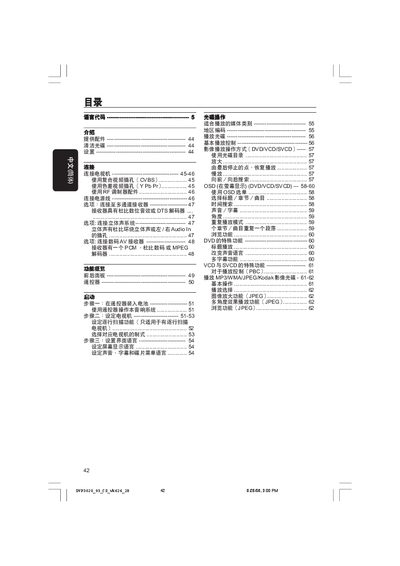
This manual provides instructions for setting up the Philips DVP3020 DVD player, including connecting it to a television using composite or component video cables and audio cables. It details the initial setup steps such as setting the region code, language, and screen display options.
The guide explains how to operate the player using the remote control and front panel buttons, covering playback controls for DVDs, VCDs, SVCDs, and MP3/WMA/JPEG discs. It also describes how to access the on-screen display (OSD) menu to adjust audio, video, and system settings. This manual is written in Chinese.