
This is a manual for Philips AJ3105/12 clock radio. It can play FM radio, audio from iPod/iPhone or external device, know the time and set alarm.
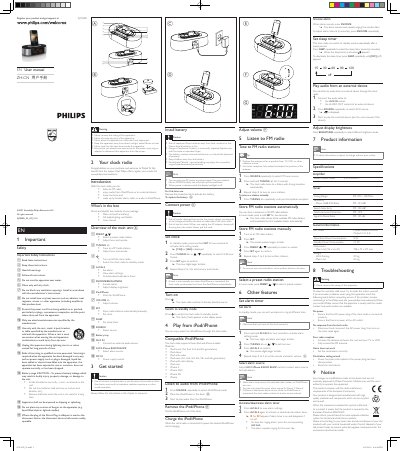
This manual introduces the Philips AJ7030D clock radio, describing its main features such as FM radio reception, iPod/iPhone docking, alarm settings, and sleep timer. It includes safety warnings, a list of items in the package, and step‑by‑step instructions for initial setup, clock setting, and using the various functions.
The document also covers technical specifications, troubleshooting tips, battery handling, and environmental disposal information. It provides detailed guidance on connecting external audio sources, storing FM stations, and charging iPod/iPhone devices, ensuring users can operate the clock radio safely and effectively. This manual is written in Chinese.
| Amplifier Rated Output Power | 2 x 3 W RMS |
|---|---|
| FM Tuning Range | 87.5 – 108 MHz |
| FM Sensitivity | Mono, 26 dB S/N Ratio |
| Total Harmonic Distortion (FM) | < 2 % |
| Signal‑to‑Noise Ratio (FM) | > 55 dB |
| Power Supply | AC, Model ASSA1I‑050200, Output 5 V / 2 A |
| Operating Power Consumption | 8 W |
| Standby Power Consumption | < 1 W |
| Dimensions (W × H × D) | 198 mm × 71 mm × 111 mm |
| Weight (with packing) | 0.9 kg |
Replace the battery with the same type (CR2032 lithium) and dispose of the old battery properly, as it contains chemical substances.
In tuner mode, press and hold SET for two seconds; the clock radio will store all available FM stations automatically.
Yes, when the clock radio is connected to AC power, the docked iPod/iPhone begins charging automatically.