
user manual
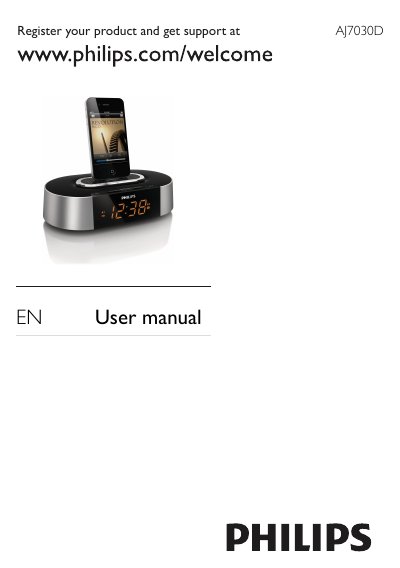
This manual begins with important safety instructions, registration information, and a list of items included in the package. It describes the main unit’s features such as FM radio tuning, alarm settings, iPod/iPhone docking, and volume control.
Subsequent sections cover how to install batteries, adjust display brightness, connect power, and use the various buttons. The troubleshooting chapter offers solutions for no response, poor reception, and alarm problems, while the environmental and legal notices explain disposal and recycling requirements.
| Amplifier Rated Output Power | 2 X 3 W RMS |
|---|---|
| Tuning Range (FM) | 87.5 - 108 MHz |
| Sensitivity | Mono, 26 dB S/N Ratio |
| Selectivity (FM) | <28 dBf |
| Total Harmonic Distortion (FM) | <2% |
| Signal to Noise Ratio (FM) | >55 dB |
Press the BRIGHTNESS button repeatedly to select different brightness levels.
Disconnect and reconnect the AC power plug, then turn on the clock radio again.
Increase the distance between the unit and your TV or VCR and fully extend the FM antenna.