
Key facts
- Brand
- Philips
- Model
- 190S9
- Category
- Monitors
- Industry
- Electronics
- Documents
- 2
- Languages
- EN · ZH
- Last added
- 2026-11-11
Start here
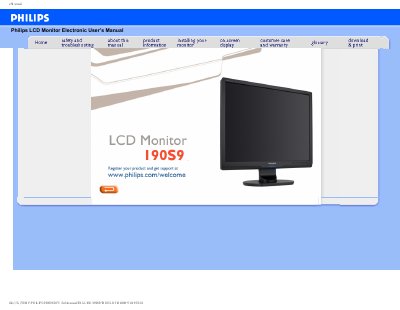
Philips 190S9 LCD Monitor Electronic User's Manual
The Philips 190S9 LCD Monitor Electronic User’s Manual provides safety precautions and maintenance instructions, service notes, and troubleshooting information for the display.
The manual also includes general FAQs about resolution, refresh rate, driver files, color settings, and VESA mounting, plus sections on screen adjustments, compatibility with other peripherals, LCD panel technology, and ergonomics, ecology and safety standards.
Philips 190S9 specifications
| Recommended video mode | 1280x1024 @60Hz |
|---|---|
| Operating temperature | 0-40°C (32-95°F) |
| Operating humidity | 20-80% RH |
All Philips 190S9 documents by type
Day-to-day operation, settings and troubleshooting. Start here if the product is already set up.
Questions answered in these manuals
What video mode is recommended for the Philips 19-inch monitor?
The recommended video mode is 1280x1024 at 60Hz.
Can the Philips LCD monitor be mounted on a wall?
Yes. The manual states that standard VESA mount holes on the rear cover allow mounting on most VESA standard arms or accessories.
Why does the monitor show "Cannot display this video mode"?
Remove all cables, then reconnect the monitor and ensure the correct display settings are selected.
Can the monitor be mounted using VESA?
Yes, the monitor has four standard VESA mounting holes on the back.