
This is a user manual for a home theater device. It mainly introduces the features, installation method and usage of the device.
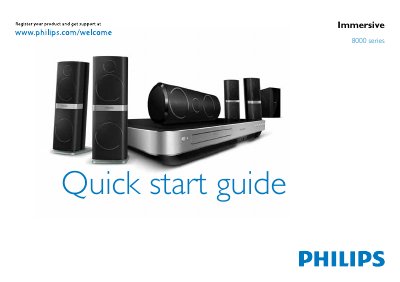
This guide begins with safety information and product registration instructions, and lists everything that comes in the box, including speakers, sub‑woofer and input connectors. It also explains how to register the product online at www.philips.com/welcome for support.
The guide then shows how to position the speakers and sub‑woofer, connect the home theater to audio sources (HDMI, optical, coaxial, FM antenna, etc.), attach the calibration microphone for automatic speaker setup, and finally switch the system on.
| HDMI inputs | 2 |
|---|---|
| HDMI output | ARC |
| FM antenna impedance | 75Ω |
| Power source | AC mains |
Visit www.philips.com/welcome to register your product and get support.
The box contains the speakers, sub‑woofer and various input connectors.
Press the power button to switch on the home theater.
Connect the calibration microphone as shown to enable automatic speaker setup.