
This document provides detailed safety instructions for the Philips 190S9 LCD monitor, including operational, maintenance, troubleshooting, regulatory, and other information.
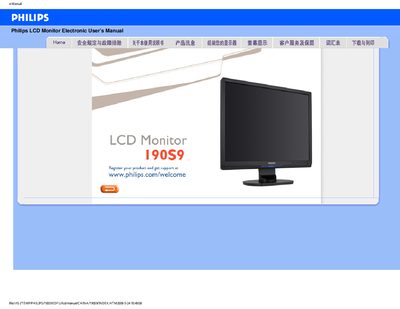
This manual covers safety precautions, proper handling, and environmental requirements for the Philips 190S9 LCD monitor. It explains how to avoid damage, clean the screen, and maintain optimal performance in temperatures from 0‑40 °C and humidity of 20‑80 % RH.
Installation instructions include driver setup, VESA mounting, USB U5B features, and color‑temperature adjustments. A comprehensive FAQ section answers common questions such as display errors, cleaning methods, and mounting options. This manual is written in Chinese.
| Operating temperature | 0‑40 °C |
|---|---|
| Relative humidity | 20‑80 % RH |
| Resolution | 1280 × 1024 |
| VESA mounting | Four standard VESA mounting holes |
Remove all cables, then reconnect the monitor and ensure the correct display settings are selected.
Yes, the monitor has four standard VESA mounting holes on the back.