
Key facts
- Brand
- Panasonic
- Model
- KX-FT932CN
- Category
- Fax machine
- Industry
- Computers
- Documents
- 2
- Languages
- JA · ZH
- Last added
- 2012-03-28
Start here
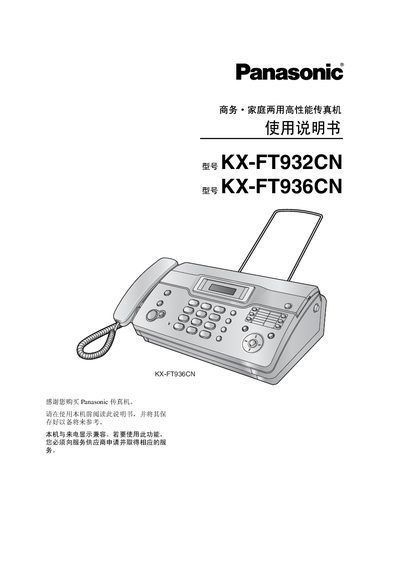
Panasonic KX-FT932CN / KX-FT936CN Fax Manual
This manual covers the installation and quick‑start procedures for the KX‑FT932CN and KX‑FT936CN fax machines, including required accessories and wiring. It also explains how to operate the device, send and receive faxes, and adjust settings via the control panel.
Important safety guidelines are provided, along with troubleshooting steps, specifications, and an index for quick reference. This manual is written in Japanese.
Panasonic KX-FT932CN specifications
| Supported line type | Public switched telephone network |
|---|---|
| Maximum document size | 216 mm × 600 mm |
| Scanning resolution (horizontal) | 8 pixels/mm |
| Scanning resolution (vertical) | 3.85 lines/mm |
| Standby power consumption | ≈ 1.5 W |
| Dimensions (HxWxL) | ≈ 121 mm × 352 mm × 224 mm |
| Weight (with accessories) | ≈ 3 kg |
Source: Panasonic KX-FT932CN/KX-FT936CN Fax Machine User Manual
All Panasonic KX-FT932CN documents by type
Day-to-day operation, settings and troubleshooting. Start here if the product is already set up.
Questions answered in these manuals
How do I install the fax machine?
Follow the "Installation and Quick Start" section, which lists the required accessories and step‑by‑step setup instructions.
What safety precautions should I follow?
The manual’s safety section advises against using the machine near water, liquids, or high‑heat sources, and stresses proper grounding and keeping the unit away from hazardous environments.
How do I adjust the ringing volume?
Press the A or B button while the machine is idle; the display will show the current ringing level.
From: Panasonic KX-FT932CN/KX-FT936CN Fax Machine User Manual
What is the maximum paper size the fax can handle?
The machine accepts documents up to 216 mm wide and 600 mm long.
From: Panasonic KX-FT932CN/KX-FT936CN Fax Machine User Manual