
This is a Panasonic KX-FT932CN/KX-FT936CN/KX-FT936CN fax machine user manual, which mainly introduces the product features, installation, use, connection, setting, etc.
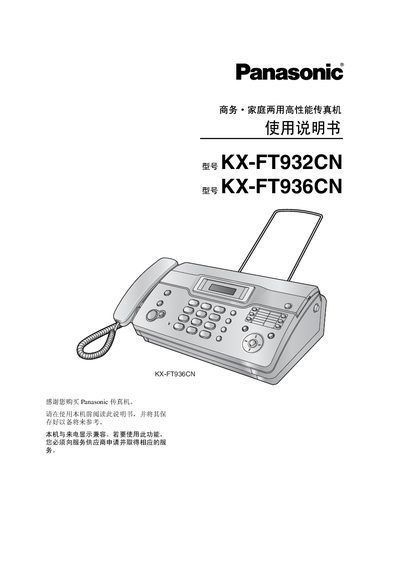
This manual covers the installation and quick‑start procedures for the KX‑FT932CN and KX‑FT936CN fax machines, including required accessories and wiring. It also explains how to operate the device, send and receive faxes, and adjust settings via the control panel.
Important safety guidelines are provided, along with troubleshooting steps, specifications, and an index for quick reference. This manual is written in Japanese.
Follow the "Installation and Quick Start" section, which lists the required accessories and step‑by‑step setup instructions.
The manual’s safety section advises against using the machine near water, liquids, or high‑heat sources, and stresses proper grounding and keeping the unit away from hazardous environments.
Use the sending procedures described in the "Sending and Receiving" chapter, which detail how to load documents, start transmission, and confirm successful sending.
Refer to the troubleshooting section; it outlines checks and corrective actions when a feature fails.