
Key facts
- Brand
- Panasonic
- Model
- KX-FP709CNFAX
- Category
- Fax machine
- Industry
- Computers
- Documents
- 2
- Languages
- ZH
- Last added
- 2012-03-13
Start here
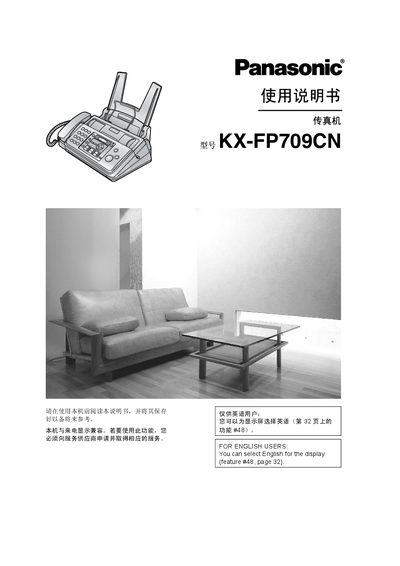
Panasonic KX-FP709CN Fax Machine User Manual
This manual explains how to install and safely operate the Panasonic KX-FP709CN fax machine. It includes safety warnings, power and grounding requirements, and guidance on handling paper, cleaning, and maintenance to prevent fire, electric shock, or damage.
The guide also covers telephone dialing, fax sending and receiving, copying, programmable functions, and how to print reports and diagnostic information. Technical specifications such as supported line type, document size limits, scanning and printing dimensions, and power consumption are listed for reference. This manual is written in Chinese.
Panasonic KX-FP709CNFAX specifications
| Copy speed | 2 PPM |
|---|---|
| Paper capacity | 50 sheets |
| Power supply | AC 220V‑240V, 50/60 Hz |
| Dimensions (HxWxL) | 18.5 cm × 35.5 cm × 27.2 cm |
| Weight | 3.5 kg |
| Modem speed | 9.6 Kbps |
All Panasonic KX-FP709CNFAX documents by type
Day-to-day operation, settings and troubleshooting. Start here if the product is already set up.
Questions answered in these manuals
What is the copy speed of the KX‑FP709CN?
It can copy at a speed of 2 pages per minute.
What power input does the fax machine require?
It operates on AC 220‑240 V at 50/60 Hz.
How can I change the display language to English?
Select English for the display using feature #48 (see page 32).
What type of paper should be used for the record paper?
Use A4 paper weighing 64–80 g/m² and avoid cotton‑rich, glossy, coated, or damaged paper.