
Key facts
- Brand
- Panasonic
- Model
- KX-FM383CN
- Category
- Fax machine
- Industry
- Computers
- Documents
- 3
- Languages
- ZH
- Last added
- 2012-03-20
Start here
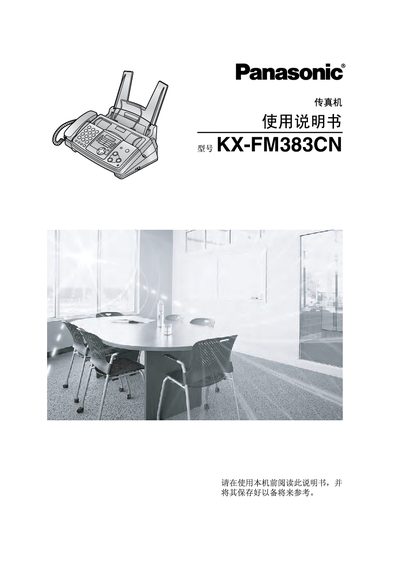
Panasonic KX-FM383CN Fax Machine User Manual
This manual covers everything needed to install and use the Panasonic KX-FM383CN fax machine, including a list of supplied accessories, button descriptions, and step‑by‑step procedures for making calls, sending and receiving faxes, copying documents, and using the optional PANA LINK software for computer integration.
It also contains important safety guidelines, maintenance tips such as ribbon replacement, and a troubleshooting section that helps resolve common errors, paper jams, and connectivity issues. This manual is written in Chinese.
Panasonic KX-FM383CN specifications
| Display | LCD |
|---|---|
| Automatic Document Feeder | 10 pages |
| Paper Capacity | 50 pages |
| Fax Resolution | Standard / Fine / Super‑fine / 64‑level halftone |
| Battery Type | CR2032 |
| Replacement Ink Ribbon | KX-FA57E |
All Panasonic KX-FM383CN documents by type
Day-to-day operation, settings and troubleshooting. Start here if the product is already set up.
Disassembly, diagnostics and part numbers, for repair.
Questions answered in these manuals
What safety precautions should be taken before cleaning the fax machine?
Unplug the power cord before cleaning the unit.
How do I replace the printing film?
Use a Panasonic original replacement film; do not reuse or re‑roll the used film.
What safety precautions should be taken before repairing the fax machine?
Unplug the AC power cord, use only manufacturer‑approved parts, perform an insulation resistance test, and follow static‑discharge precautions.
How can I tell if the PCB uses lead‑free solder?
Look for a "PbF" marking on the printed circuit board; boards with this marking were manufactured with lead‑free solder.