
Key facts
- Brand
- Panasonic
- Model
- DMP-BDT220
- Category
- Other Electronics
- Documents
- 2
- Languages
- EN
- Last added
- 2012-08-03
Start here
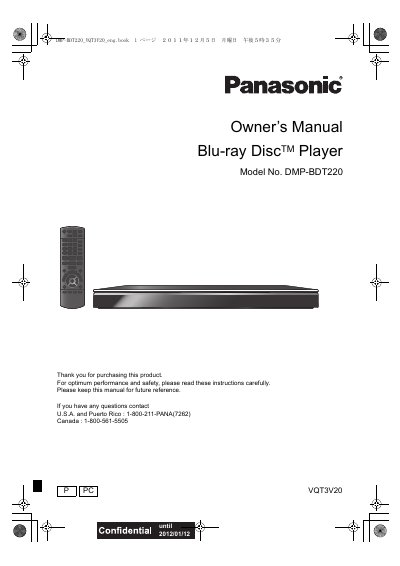
Panasonic DMP-BDT220 Blu-ray Disc Player Owner's Manual
This Owner's Manual covers the Panasonic DMP-BDT220 Blu-ray Disc Player, including important safety instructions, a list of accessories, and care instructions for the unit and media. It details how to connect the player to a TV, amplifier, or network, and explains how to use the remote control and various playback features.
Read onlinePanasonic DMP-BDT220 specifications
| Product Type | Blu-ray Disc Player |
|---|---|
| Model Number | DMP-BDT220 |
| FCC Class | Class B digital device |
Source: Panasonic DMP-BDT220 Blu-ray Disc Player Owner's Manual
All Panasonic DMP-BDT220 documents by type
Day-to-day operation, settings and troubleshooting. Start here if the product is already set up.
Questions answered in these manuals
What type of batteries are required for the remote control?
The remote control requires R6/LR6 or AA (Alkaline or manganese) batteries.
From: Panasonic DMP-BDT220 Blu-ray Disc Player Owner's Manual
Where can I find the contact number for support in the U.S.A.?
The support contact number for the U.S.A. and Puerto Rico is 1-800-211-PANA (7262).
From: Panasonic DMP-BDT220 Blu-ray Disc Player Owner's Manual
Which region codes are supported for BD‑Video and DVD‑Video discs?
The player can play BD‑Video discs with region code B and DVD‑Video discs with region number 2 or ALL.
How should the player be connected to a TV for 3D playback?
Use a High‑Speed HDMI cable (5 m or shorter) to connect the HDMI‑OUT of the player to a 3D‑compatible TV, then select the 3D mode on the TV.