
Panasonic Fax Machine KX-FT932CN/KX-FT936CN/KX-FT936CN User Manual
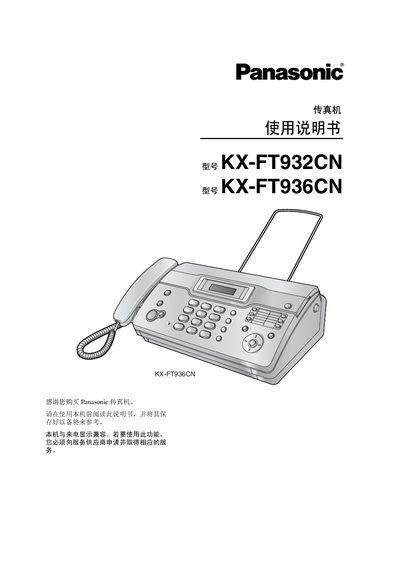
This manual provides step‑by‑step instructions for installing and quickly starting the Panasonic KX‑FT932CN and KX‑FT936CN fax machines. It includes safety guidelines, connection setup, and initial programming of telephone line settings, date/time, and user identification.
The guide also details everyday functions such as sending and receiving faxes, making copies, adjusting volume and ringing tones, using the built‑in phone book, and performing maintenance tasks like cleaning the scanner glass and clearing paper jams. This manual is written in Chinese.
| Supported line type | Public switched telephone network |
|---|---|
| Maximum document size | 216 mm × 600 mm |
| Scanning resolution (horizontal) | 8 pixels/mm |
| Scanning resolution (vertical) | 3.85 lines/mm |
| Standby power consumption | ≈ 1.5 W |
| Dimensions (HxWxL) | ≈ 121 mm × 352 mm × 224 mm |
| Weight (with accessories) | ≈ 3 kg |
Press the A or B button while the machine is idle; the display will show the current ringing level.
The machine accepts documents up to 216 mm wide and 600 mm long.
The fax machine uses about 1.5 W in standby mode.