
Key facts
- Brand
- Omron
- Model
- FQ2-S
- Category
- Industrial Robot
- Documents
- 2
- Languages
- ZH · EN
- Last added
- 2026-10-21
Start here
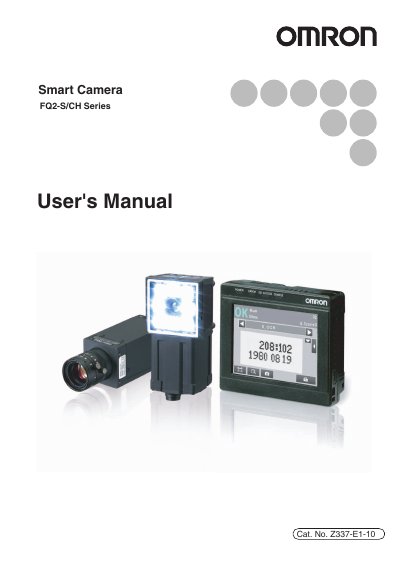
OMRON FQ2-S/CH Series Smart Camera User's Manual
This document serves as the User's Manual for the OMRON FQ2-S/CH Series Smart Camera. It covers essential functions, performance details, and operating methods required for the safe and effective use of the device. The manual emphasizes that the camera must be operated by personnel knowledgeable in electrical engineering and advises users to read the document thoroughly before operation.
Read onlineAll OMRON FQ2-S documents by type
Day-to-day operation, settings and troubleshooting. Start here if the product is already set up.
Questions answered in these manuals
What type of output device is required for the TRIG signal?
The TRIG signal must use a non-contact output device, such as an SSR or a PLC transistor output device.
How many sensors can be connected to the Touch Finder or PC Tool software?
Up to 32 Touch Finder or FQ2 sensors can be connected.
Who is authorized to operate the FQ2-S/CH?
The device must be operated by personnel who are knowledgeable in electrical engineering.
What safety precaution should be taken regarding the Sensor's light?
Users must not look directly into the visible light emitted from the Sensor to avoid eye injury.