
Key facts
- Brand
- HP
- Model
- OfficeJet Pro 8100 ePrinter
- Category
- Printer
- Industry
- Electronics
- Documents
- 2
- Languages
- PT · ZH
- Last added
- 2026-11-18
Start here
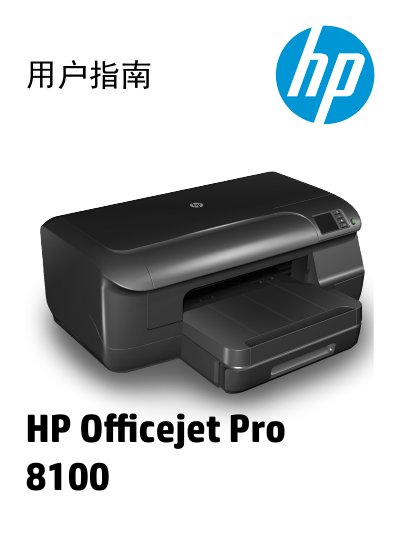
HP Officejet Pro 8100 ePrinter User Guide
User Manual 144 pages · 14.5 MB · ZH
The HP Officejet Pro 8100 ePrinter is a multifunction device designed for printing documents, photos, and envelopes. This manual covers essential topics including getting started with the printer, using the control panel, installing media such as standard paper and envelopes, and managing power settings to save energy. This manual is written in Chinese.
Read onlineHP OfficeJet Pro 8100 ePrinter specifications
| Print technology | HP thermal inkjet |
|---|---|
| Print resolution black | Up to 1200 x 600 dpi |
| Print resolution color | Up to 4800 x 1200 dpi |
| ISO print speed black | Up to 20 ppm |
| ISO print speed color | Up to 16 ppm |
| Maximum print speed | Up to 35 ppm black and color |
| Connectivity | Hi-Speed USB 2.0, Ethernet 10/100Base-TX, 802.11n wireless |
| Duplex printing | Automatic (standard) |
| Memory | 128 MB DDR3 |
| Recommended monthly volume | 250 to 1250 pages |
All HP OfficeJet Pro 8100 ePrinter documents by type
Product Leaflet 1
User Manual 1
Day-to-day operation, settings and troubleshooting. Start here if the product is already set up.
Questions answered in these manuals
What connectivity options does the HP OfficeJet Pro 8100 ePrinter support?
It supports Hi-Speed USB 2.0, built-in wired Ethernet 10/100Base-TX (RJ45), and built-in 802.11n wireless networking.
Does the HP OfficeJet Pro 8100 ePrinter support automatic two-sided printing?
Yes, automatic duplex printing is a standard feature.