
HP LaserJet P3010 Series Printers User Guide is a user guide for HP LaserJet P3010 Series Printers, which includes information on product use, management, maintenance, troubleshooting, etc.
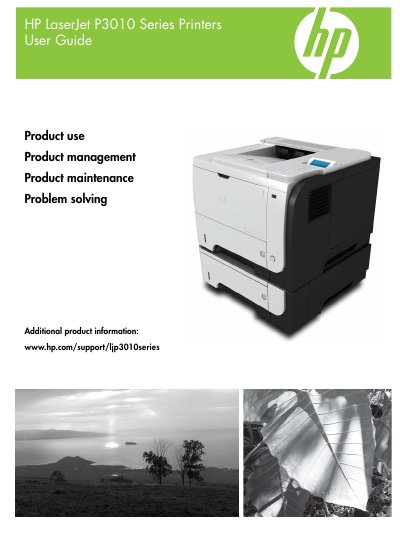
This guide covers the full lifecycle of the HP LaserJet P3010 Series printers, including product basics, control panel usage, and software installation for Windows and Macintosh. It details how to configure network settings, manage paper and print media, and utilize various product features like EconoMode and job storage.
| Tray 1 Capacity | 100 sheets of 75 g/m2 (20 lb) bond |
|---|---|
| Tray 2 Capacity | 500 sheets of 75 g/m2 (20 lb) bond |
| Paper Weight Range (Tray 1) | 60 g/m2 (16 lb) to 199 g/m2 (53 lb) |
| Paper Weight Range (Tray 2) | 60 g/m2 (16 lb) to 120 g/m2 (32 lb) |
The guide lists supported operating systems for Windows starting on page 40.
You can set or change the network password from the control panel.
Yes, the guide explains how to use duplex printing on page 58.