
This manual provides basic information about the HP LaserJet P3010 series printer, including product comparison, environmental features, product features, product views, control panel, Windows software, and using the product on Macintosh.
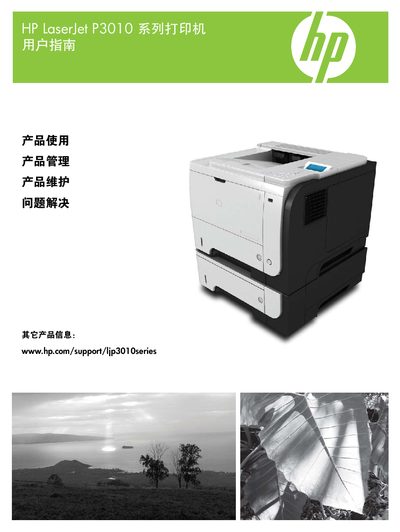
This user guide covers the HP LaserJet P3010 series printer, including product features, the control panel, Windows and Macintosh software, USB and network connections, and paper handling. It also explains printing jobs, product management and maintenance, supply replacement, firmware upgrades, and problem solving.
The guide includes specifications, service and support information, environmental and regulatory notices, and details on supported paper sizes, media types, and tray capacities. This manual is written in Chinese.
| Tray 1 paper weight range | 60 g/m2 to 199 g/m2 |
|---|---|
| Tray 1 maximum stack height | 12 mm |
| Tray 1 envelope capacity | Up to 10 envelopes |
| Tray 2 and optional 500-sheet tray paper weight range | 60 g/m2 to 120 g/m2 |
| Tray 2 and optional 500-sheet tray capacity | 500 sheets of 75 g/m2 bond paper |
| Standard top output bin capacity | 250 sheets of 75 g/m2 bond paper |
| Rear output bin capacity | 50 sheets of 75 g/m2 bond paper |
| Duplexer paper weight range | 60 g/m2 to 120 g/m2 |
Tray 1 supports bond paper from 60 g/m2 to 199 g/m2, with a maximum stack height of 12 mm.
Tray 1 holds up to 10 envelopes weighing 75 g/m2 to 90 g/m2 bond paper.
The standard top output bin holds up to 250 sheets of 75 g/m2 bond paper.
The duplexer supports bond paper from 60 g/m2 to 120 g/m2.