
Service manual for HP LaserJet P3010 Series printers covering operation, removal and replacement, troubleshooting, diagnostics, diagrams, and paper-handling…
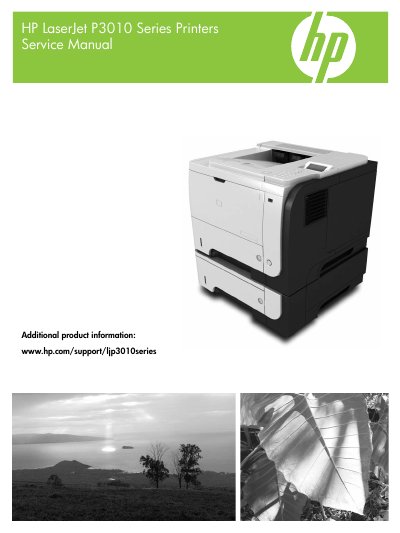
The HP LaserJet P3010 Series Printers Service Manual covers theory of operation, including basic operation, major printer systems, printer block diagrams, formatter and engine control, image formation, and pickup, feed, and delivery.
It also provides removal and replacement procedures, general cautions, required tools, troubleshooting checklists, diagnostics, diagrams, jam clearing, and paper-handling problems.
It asks basic questions about the environment, media, input trays, print cartridge, fuser, covers, and doors. It is used to help define problems quickly.
Many jams are caused by paper that does not meet HP specifications. Incorrectly installed components and incorrectly loaded trays are also listed as causes.
Fanning can create static electricity, which can cause paper to stick together. The manual instead says to remove the paper, flex it, rotate it 180 degrees, or flip it over.
Check whether the input tray is overfilled, paper is sticking together, paper does not meet HP specifications, or trays are not properly adjusted.