
This document is a user manual for the Extech MO750 soil moisture meter. It introduces the functions and features of the instrument and how to use it.
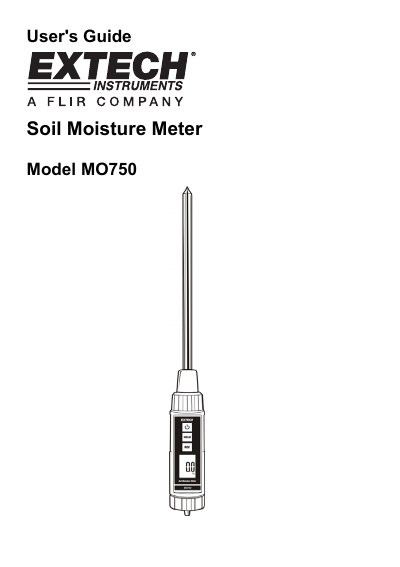
The Extech MO750 is a digital soil moisture meter designed to provide accurate measurements in various environments. It features an 8-inch stainless steel probe, a large LCD display, and a waterproof ABS plastic housing for durability and ease of use.
Operation involves inserting the probe into the soil at least 4 inches deep and pressing the power button. The device includes functions such as data hold to freeze readings, and record mode to track maximum and minimum values.
| Measurement range | 0% to 50% moisture content of soil sample |
|---|---|
| Resolution | 0.1% |
| Probe material | Stainless steel |
| Power supply | (4) "AAA" batteries |
| Operating Temperature | 32 to 122 o F (0 to 50 o C) |
The probe head should normally be inserted at least 4" (10cm) into the soil.
A Low Battery icon will appear on the LCD display.