
The Extech HD550 Psychrometer is a handheld meter that measures and displays air temperature, dew point temperature, wet bulb temperature, humidity, and surface temperature. It features a fast response time, triple digital LCD display, infrared thermometer, automatic range selection, and USB interface.
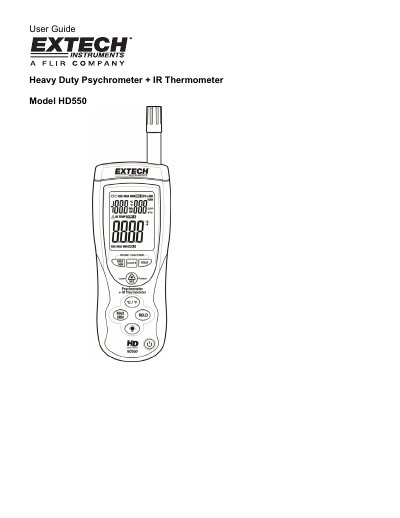
This document is the user guide for the Extech HD550 Heavy Duty Psychrometer + IR Thermometer. The device features a triple digital LCD display and measures air temperature, dew point, wet bulb temperature, humidity, and surface temperature using a built-in infrared thermometer. It includes a Type K thermocouple input jack and a red laser pointer for aiming.
| Display | Dual Display Multi-function LCD with 9999 counts |
|---|---|
| Sampling rate | 1 reading per second |
| Auto Power OFF | Automatic shut off after 15 minutes |
| Operating conditions | Meter: 32 to 122°F (0 to 50°C); 80% RH max. |
Hold the IRT button and then press the power button to turn the power on. When 'disAPO' appears in the display, release the IRT button.
The meter's field of view ratio is 30:1.
Most organic materials and painted or oxidized surfaces have an emissivity of 0.95.