
User manual for the Extech ET10 GFCI Receptacle Tester, covering standard and GFCI receptacle testing procedures, indicator light meanings, and…
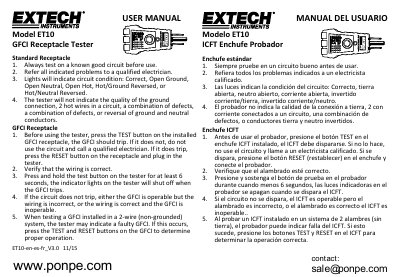
This manual provides instructions for using the Extech ET10 GFCI Receptacle Tester to verify the condition of electrical circuits. It details how to test standard receptacles and GFCI (Ground Fault Circuit Interrupter) outlets, including specific steps for verifying GFCI operation on installed devices.
The lights indicate circuit conditions: Correct, Open Ground, Open Neutral, Open Hot, Hot/Ground Reversed, or Hot/Neutral Reversed.
You should press and hold the test button on the tester for at least 6 seconds.
If the circuit does not trip, either the GFCI is operable but the wiring is incorrect, or the wiring is correct and the GFCI is inoperable.