
This is the user manual of 5-in-1 environmental meter, including temperature, humidity, wind speed, light intensity and sound intensity measurement functions
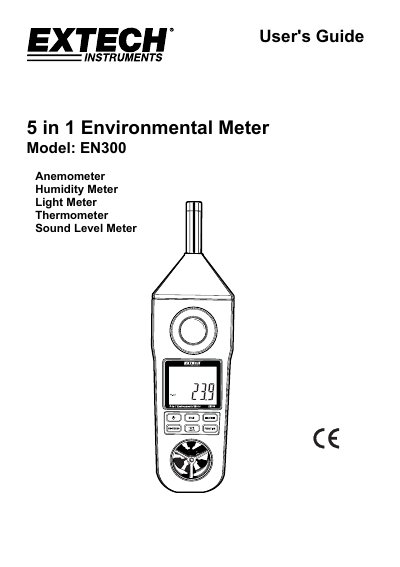
The Extech EN300 is a compact, five-in-one environmental meter designed for professional use. It measures air velocity, humidity, light, temperature (via type K thermocouple), and sound levels. The device features a dual display, unit selection buttons, and functions like hold, max/min recording, and RS-232 output. It operates with 6 AAA batteries or an optional AC adapter and includes safety warnings and calibration instructions.
The manual details how to power the device, select measurement modes, calibrate the light sensor, and use the data record function. It also covers safety precautions, battery replacement, and disposal guidelines, including legal requirements for battery disposal.
| Display | LCD display, 41.5 x 31.5 mm |
|---|---|
| Operating Humidity | 80%RH Max. |
| Operating Temperature | 0 to 50°C (32 to 122°F) |
| Power Supply | 1.5V DC battery (UM4/AAA x 6) or 9V DC adapter |
| Weight | 335 g / 0.74 lb |
| Dimensions | 248 x 70 x 34 mm (9.8 x 2.8 x 1.3 inch) |
| Anemometer Accuracy | ±3% F.S. up to 3900 ft/min, ±4% F.S. above |
| Humidity Accuracy | ±4% RH below 70% RH, ±(4% reading + 1.2% RH) above 70% RH |
| Light Accuracy | ±5% reading ±8 digits |
| Sound Level Accuracy | Meets IEC 61672 class 2, A weight, Fast response |
During temperature measurements, press the °C/°F button once to change the unit from °C to °F.
Completely cover the light sensor and press the "Unit/Zero Button" to set the zero point.
The meter uses 6 AAA (UM4) batteries or an optional 9V DC adapter.
Press the "Max/Min Button" once to start recording maximum and minimum values.