
EN300 is a 5-in-1 environmental meter that integrates weather meter, temperature and humidity meter, luminance meter, sound level meter, etc. It has high precision, portability and other characteristics.
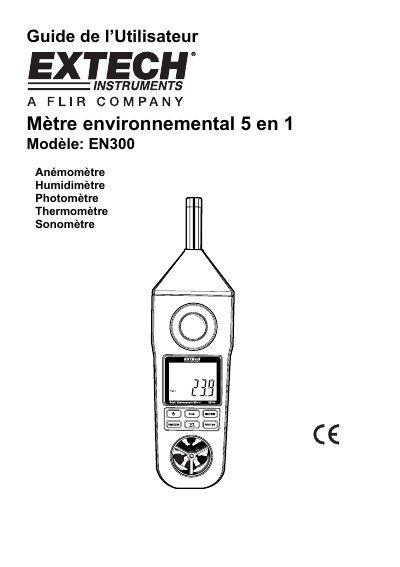
The document is a user manual for the Extech EN300, a professional 5-in-1 instrument that combines an anemometer, hygrometer, photometer, thermometer (Type K), and sound level meter. The guide explains how to power on the device, select measurement functions using the Function button, and switch between units such as Celsius/Fahrenheit or Lux/candela-foot. This manual is written in French.
| Display Size | 41.5 x 31.5 mm LCD |
|---|---|
| Operating Humidity | Max 80% RH |
| Power Source (Batteries) | 6 x 1.5V DC UM4/AAA batteries |
| Auto Power Off Time | 10 minutes of inactivity |
| Weight | 335 g (with batteries) |
Press the °C/°F button on the front panel to toggle between units during temperature measurements.
Press the Max/Min button once to start recording (REC indicator appears), then press it again to view MAX or MIN values.
The device conforms to IEC 61672 Class 2 standards with 'A' frequency weighting and 'Fast' response time.