
The Extech 407119A Thermo-Anemometer can measure air velocity, air volume, and air temperature.
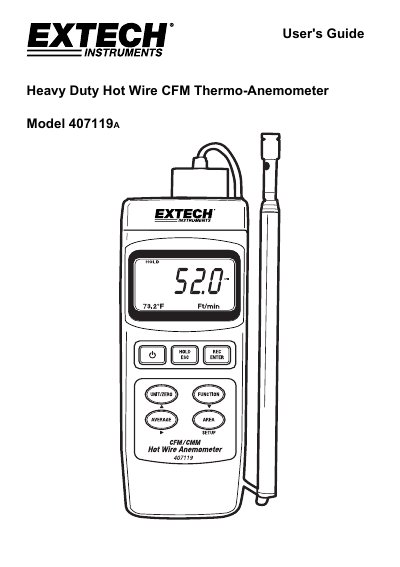
This user manual explains how to operate the Extech 407119A thermo-anemometer for measuring air velocity, air volume, and temperature. It includes setup procedures, sensor zeroing, unit selection, and data features like averaging, hold, max/min recording, and auto power-off. The device uses a telescoping probe for easy access to grills and diffusers and connects to a PC via RS-232 for data acquisition with optional software and cable.
| Air Velocity Range | 0.2 – 17.0 m/s |
|---|---|
| Air Flow Range | 0 – 36,000 m³/min |
| Temperature Range | 0 to 50 °C (32 to 122 °F) |
| Operating Temperature | 0 to 50°C (32 to 122°F) |
| Power Supply | Four (4) ‘AA’ 1.5V batteries or optional AC adaptor |
| Weight | 521g (1.15 lbs.) with batteries installed |
| Dimensions | Main instrument: 200.0 x 76.2 x 36.8mm (7.9 x 3.0 x 1.5") |
Air velocity can be measured in m/s, km/h, ft/min, knots, and mph.
The 407119 A measures air velocity, air volume, and air temperature.
The air velocity range is 0.2 – 17.0 m/s.
The maximum air flow measurement is 1,271,200 ft³/min.