
Quick installation guide for the D-Link DIR-615 Wireless N300 Router, covering package contents, system requirements, connection steps, and initial…
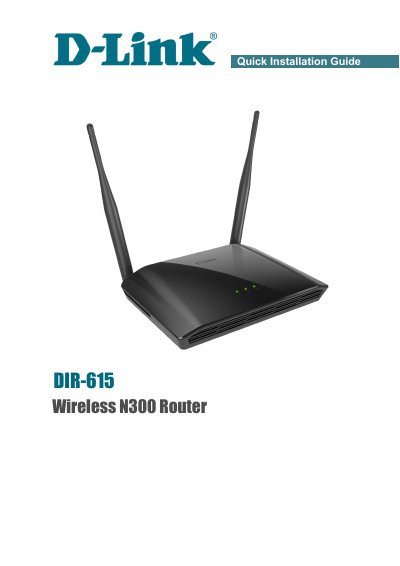
This document serves as a Quick Installation Guide for the D-Link DIR-615 Wireless N300 Router. It details the contents of the delivery package, including the router, power adapter, and guide itself, and warns against using power supplies with different voltage ratings. The guide provides default settings such as the IP address (192.168.0.1), username (admin), and password (admin), advising users to change the network key and SSID before connecting to the Internet.
| Power Adapter | DC 12V/0.5A |
|---|---|
| Default IP Address | 192.168.0.1 |
| Default Username | admin |
| Default Password | admin |
Press and hold the WPS/RESET button on the back panel for 10 seconds until the router reboots.
The default IP address of the router is 192.168.0.1.
You must press and hold the button for 10 seconds.
You should power off the router for 20 seconds.