
This manual introduces the features and characteristics of the D-Link DIR-615 wireless router, including hardware overview, connections, LEDs, installation, configuration, network settings, etc.
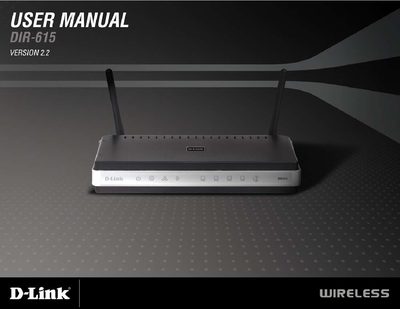
This manual introduces the DIR-615 wireless N home router, its package contents, hardware overview, LED indicators, and key features such as up to 300 Mbps wireless speed, compatibility with 802.11b/g, and advanced firewall and content‑filtering options.
It guides users through installation, wireless and security settings, network configuration, troubleshooting, and includes appendices with networking basics and detailed technical specifications such as supported standards, frequency range, power output, antenna type, and dimensions.
| Frequency Range | 2.4 GHz to 2.483 GHz |
|---|---|
| Transmitter Output Power | 15 dBm + 2 dB |
| External Antenna Type | Two detachable reverse‑SMA antennas |
| Dimensions | L 7.6 in, W 4.6 in, H 1.2 in |
| Security Protocols | WPA‑Personal, WPA2‑Personal, WPA‑Enterprise, WPA2‑Enterprise, 64/128‑bit WEP |
Press the Reset button on the router; this restores the device to its original factory default settings.
You need an Ethernet‑based cable or DSL modem, a computer with Windows®, macOS, or Linux and an Ethernet adapter, and a web browser such as IE 6.0, Mozilla 1.7.12, or Firefox 1.5+.
The router supports WPA‑Personal, WPA2‑Personal, WPA‑Enterprise, WPA2‑Enterprise, and 64/128‑bit WEP.