
DIR-615 Wireless N Wireless Broadband Router Quick Installation Guide, introduces how to use the router, including how to install the router, how to set the router, how to solve router problems and so on
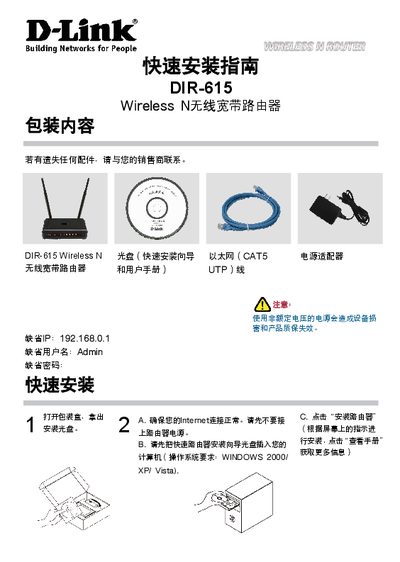
This guide provides step‑by‑step instructions for installing the D‑Link DIR‑615 Wireless N router. It lists the package contents, shows how to connect the power adapter and Ethernet cable, and explains how to access the web interface at the default address 192.168.0.1 using the default username "admin" and a blank password. The guide also notes supported operating systems such as Windows 2000, XP, and Vista.
Additional sections cover WAN idle‑timer settings for timed broadband services, detailed troubleshooting steps, and how to reset the router to factory defaults by holding the reset button for 20 seconds. Technical support contact information and the address of D‑Link’s support center in Beijing are also provided. This manual is written in Chinese.
| Default IP address | 192.168.0.1 |
|---|---|
| Default username | admin |
Make sure the router is powered on, then press and hold the reset button on the back for 20 seconds.
The default address is 192.168.0.1.
Set the "Maximum idle timer" parameter to 300 seconds (5 minutes) in the WAN configuration.