
Key facts
Start here
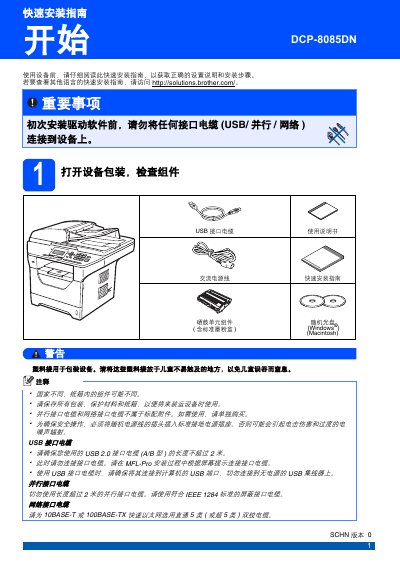
Brother DCP-8085DN Printer Quick Installation Guide
The guide explains how to unpack the DCP-8085DN, install the toner and drum unit, load paper, and connect power before installing any driver software. It includes safety symbols, warnings about electric shock and hot parts, and instructions for unlocking the scanner and setting the LCD contrast.
It also covers language selection, date and time configuration using the keypad, connecting USB, parallel or network cables after the driver is installed, and optional accessories such as a low‑tray paper box and a 144‑pin SO‑DIMM memory module. Software installation steps and links to the support website are provided. This manual is written in Chinese.
Brother DCP-8085DN specifications
| Maximum paper capacity | 550 sheets |
|---|---|
| Low‑tray paper capacity | 250 sheets |
| Memory expansion | 144‑pin SO‑DIMM module |
| Network interface | 10BASE‑T or 100BASE‑TX |
All Brother DCP-8085DN documents by type
Day-to-day operation, settings and troubleshooting. Start here if the product is already set up.
The shortest path to a working setup, usually only a few pages.
Questions answered in these manuals
How do I change the administrator password?
Refer to the "更改管理员密码" (Change administrator password) section in the manual.
What is the power consumption when the device is turned off and unplugged?
The device consumes zero power when the power switch is off and the plug is removed.
Should I connect USB/parallel/network cables before installing the driver software?
No. The guide states that before the first driver installation you must not connect any interface cable (USB, parallel, or network) to the device.
How do I load paper into the printer?
Open the paper tray, adjust the paper guides, place the paper face‑down, ensure the stack is below the maximum capacity mark, then close the tray securely.