
This is the user manual of MFC-9440CN and MFC-9450CDN, which mainly introduces the operation methods and solutions to common problems of the product.
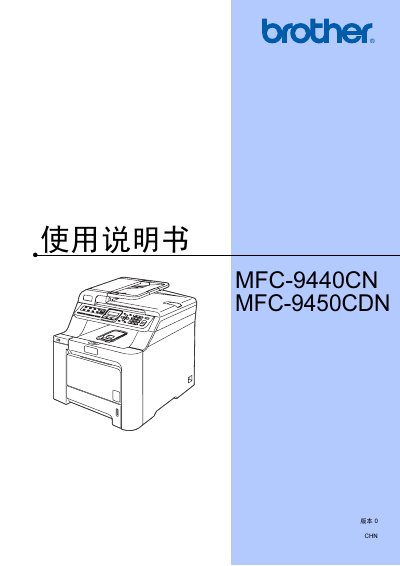
This manual covers the multifunction printer MFC-9440CN and MFC-9450CDN, describing hardware overview, paper handling, and basic operation. It includes detailed instructions for loading paper and originals, configuring general settings, and using the control panel.
Additional sections explain fax sending and receiving, telephone and external device connections, dialing and number storage, direct printing from cameras or USB drives, software and network functions, and safety and regulatory information. This manual is written in Chinese.
Load paper according to the instructions in the "装入纸张和原稿" section of the manual.
Refer to the "电话和外接设备" section for wiring and setup of external telephone devices.