
Key facts
Start here
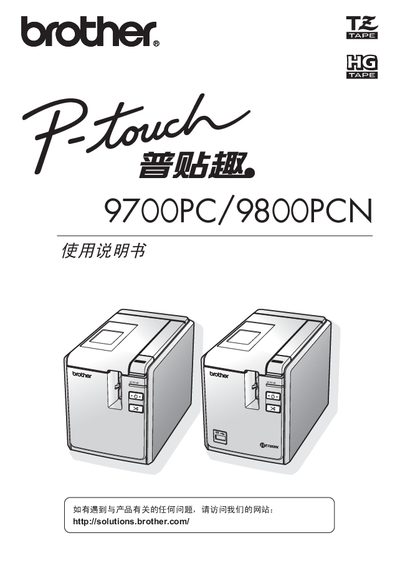
Brother PT-9700PC / PT-9800PCN User Manual
This manual describes the PT-9700PC and PT-9800PCN label printers, covering safety symbols, proper handling, and required accessories. It explains how to connect the printer to a computer, install the appropriate color ribbon (Brother TZ or HG), and operate the device using the supplied software.
Additional sections cover general precautions, environmental limits, troubleshooting, and repair information. The document also lists regulatory data such as hazardous substance content and warranty details. This manual is written in Japanese.
Brother 9700PC specifications
| Operating temperature | 10-30°C |
|---|---|
| Input voltage | 220-240 V AC |
| Compatible color ribbons | Brother TZ or Brother HG |
All Brother 9700PC documents by type
Day-to-day operation, settings and troubleshooting. Start here if the product is already set up.
Questions answered in these manuals
What type of color ribbon can be used with this printer?
Only Brother TZ or Brother HG color ribbons are compatible.
What is the recommended operating temperature range?
The printer should be used in an environment of 10 °C to 30 °C.