
This document is an installation guide for the MFC-9440CN printer. It provides the correct installation steps and instructions, including the installation of hardware and drivers. Additionally, the document also describes the features and characteristics of the device.
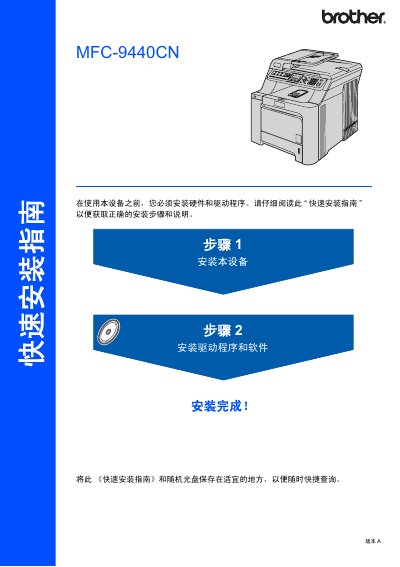
This quick installation guide provides step‑by‑step instructions for setting up the Brother MFC-9440CN printer. It includes unpacking, installing toner cartridges, loading paper, connecting power and telephone lines, and configuring date, time, and network settings.
The guide also details the hardware components supplied in the box, safety warnings, supported operating systems, and cable requirements for USB and Ethernet connections. This manual is written in Chinese.
| Weight | 33.0 kg (72.8 lb) |
|---|---|
| Maximum USB cable length | 2 m |
The guide lists Windows 2000 Professional, Windows XP (including 64‑bit), Windows Vista, and Mac OS X 10.2.4 or later as supported operating systems.
Unpack the printer, install the toner cartridges, load paper into the paper tray, connect the power and telephone cables, and set the date, time, and other basic settings.