
Key facts
Start here
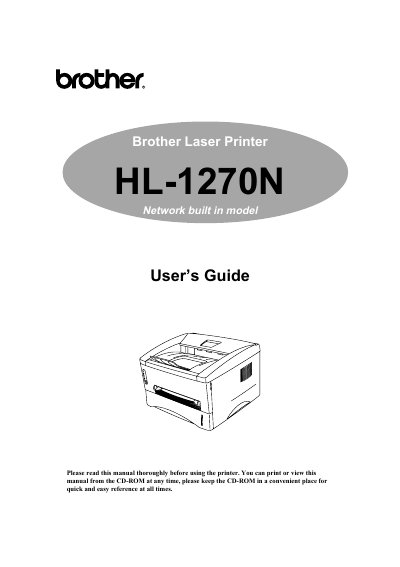
Brother HL-1270N Laser Printer User Manual
This manual covers the Brother HL-1270N laser printer, describing its features, required accessories, and how to install and configure the device for network or USB operation.
It includes chapters on printer options, maintenance procedures such as toner and drum replacement, troubleshooting tips, LED indicator meanings, and full technical specifications for interfaces, fonts, and emulation modes.
Brother 1270N specifications
| Parallel Interface | Supported |
|---|---|
| USB Interface | Supported |
| Network Interface | Supported |
| Emulation Modes | HP LaserJet 6P, EPSON, IBM |
| Resident Font | Available |
| Bitmapped Fonts | Supported |
| Scalable Fonts | Supported |
| Symbol Sets / Character Sets | Supported |
All Brother 1270N documents by type
Day-to-day operation, settings and troubleshooting. Start here if the product is already set up.
Instruction set, parameters and examples for configuring or programming the device.
Questions answered in these manuals
What is the maximum recommended length for a parallel printer cable?
We recommend using a parallel cable that does not exceed 2 meters (6.6 feet) in length.
From: Brother HL-1030/1240/1250/1270N Laser Printer User Guide
How do you distribute the toner inside the drum cartridge?
Shake it gently from left to right about six times to distribute the toner uniformly.
From: Brother HL-1030/1240/1250/1270N Laser Printer User Guide
How do I replace the toner cartridge?
Refer to Chapter 3 of the manual; it explains how to replace the toner cartridge.
How should I ship the printer to avoid damage?
Remove the drum unit and toner cartridge, place the drum unit in a plastic bag, unplug the power cord, and repack the printer using the original packaging.