
This manual provides operating instructions, setup, fax, copy, scan, and maintenance for the Brother MFC-9440CN multifunction printer.
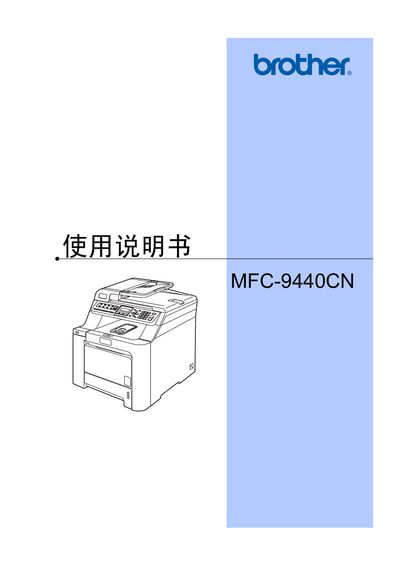
The Brother MFC-9440CN User Manual covers all aspects of using the multifunction printer, including loading paper, configuring fax and telephone functions, copying, scanning, and direct printing. It also contains safety information, troubleshooting tips, and specifications for supported media.
The guide includes detailed sections on hardware setup, software installation, network connectivity, and routine maintenance such as cleaning the scanner glass and replacing consumables like toner cartridges and drums. This manual is written in Chinese.
| Paper Tray 1 Capacity | 250 sheets (80 g/m²) |
|---|---|
| Paper Tray 2 Capacity | 500 sheets (80 g/m²) |
| Supported Paper Sizes | A4, Letter, Legal, Executive, A5, B5, B6, Folio |
| Maximum Paper Size | Folio 8" x 13" |
| Supported Media Types | Plain paper, recycled paper, cardstock, labels |
Insert the appropriate paper into paper tray 1 or tray 2 according to the paper size and type.
Wipe the scanner glass with a soft, lint‑free cloth to keep it free of dust and smudges.
Select the fax mode using the mode selector and configure settings via the fax menu.