
Key facts
Start here
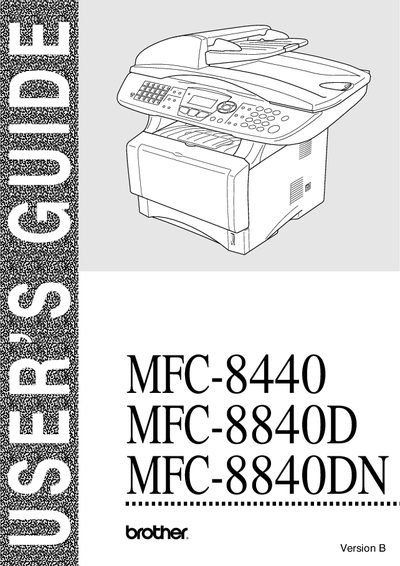
Brother MFC-8440 / MFC-8840D / MFC-8840DN User Manual
This guide provides essential information for owners of the Brother MFC-8440, MFC-8840D, and MFC-8840DN multifunction printers. It includes model and serial number registration, contact details for customer service in the USA and Canada, and instructions for ordering genuine Brother accessories and supplies.
The manual also details the one‑year limited warranty terms for both the United States and Canada, outlines the fax‑back system for quick technical help, and lists important safety and warranty disclaimer notices. Additional sections cover equipment attachment limitations and provide contact information for Brother International Corporation.
Brother MFC-8440 specifications
| Standard toner cartridge | TN-540, prints up to 3,500 pages |
|---|---|
| High‑yield toner cartridge | TN-570, prints up to 6,700 pages |
| Drum unit | DR-510 |
| Power protector (2‑outlet) | QPD120 |
| Power protector (8‑outlet) | Fx120 |
Source: Brother MFC-8440 / MFC-8840D / MFC-8840DN User Manual
All Brother MFC-8440 documents by type
Day-to-day operation, settings and troubleshooting. Start here if the product is already set up.
Questions answered in these manuals
How can I register my Brother MFC printer?
Register the product online at http://www.brother.com/registration or by completing the warranty registration sheet and faxing it to Brother.
What is the warranty period for the machine in the United States?
The machine is covered by a one‑year limited warranty from the original purchase date.
How should the MFC be cleaned safely?
Before cleaning, unplug the power cord and avoid using wet hands when handling the power plug.
What temperature range is the MFC designed to operate in?
The device should be used in an environment where the temperature is between 10 °C and 32.5 °C.