
This document is a quick installation guide for the DCP-9040CN and DCP-9042CDN devices. The guide provides steps and instructions for installing the hardware and drivers.
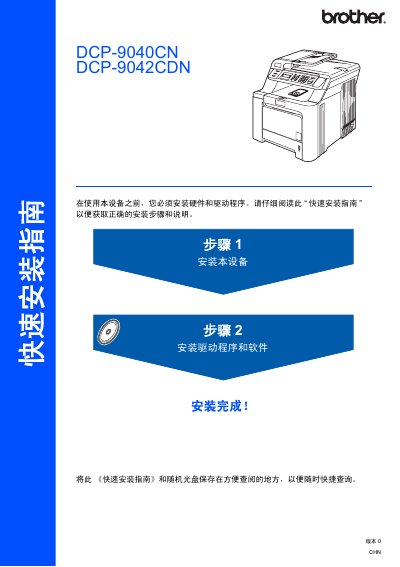
The guide walks users through the initial setup of the Brother MFC‑9440CN multifunction printer. It covers unpacking, installing the toner cartridges, loading paper, and connecting power and telephone lines.
It also details driver and software installation for Windows and Mac, explains how to use the BRAdmin Light utility for network configuration, and lists optional accessories and safety warnings. This manual is written in Chinese.
| Weight | 33.0 kg (72.8 lb) |
|---|---|
| Maximum USB cable length | 2 m |
| Supported Windows OS | Windows 2000 Professional, Windows XP Professional, Windows Vista, Windows 7 |
| Supported Mac OS | Mac OS X 10.2.4 or later |
The printer weighs about 33 kg, so at least two people should lift it together.
Do not connect any interface cable until the software installation prompts you to do so.
Use the BRAdmin Light utility to set the IP address, subnet mask, and gateway.