
This document is a quick installation guide for the MFC-9440CN and MFC-9450CDN devices. The document provides steps and instructions for installing the hardware and drivers.
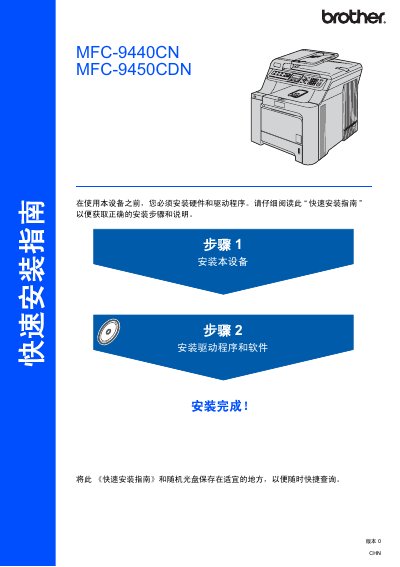
The guide walks you through unpacking the printer, installing the toner cartridges, loading paper, and connecting power and telephone lines. It also covers setting the date, time, and device ID, as well as configuring audio and pulse‑dial modes.
Additional sections explain how to install the appropriate drivers for Windows or Mac OS, set up network parameters with the BRAdmin Light utility, and safely handle optional accessories such as the USB or network interface cables. This manual is written in Chinese.
| Weight | 33.0 kg (72.8 lb) |
|---|---|
| Maximum USB cable length | 2 meters |
| Supported Windows versions | Windows 2000 Professional, Windows XP Professional (including x64), Windows Vista |
| Supported Mac OS X version | Mac OS X 10.2.4 or later |
| Network cable requirement | Category‑5 (or higher) twisted‑pair for 10BASE‑T / 100BASE‑TX |
Unpack the printer, remove all packaging, install the toner cartridges, load paper into the paper tray, connect the power and telephone cables, and set the date, time, and device ID as described in the hardware installation steps.
Do not use a USB 2.0 cable longer than 2 meters.
Because the printer weighs about 33 kg, at least two people should lift it to avoid injury.