
This Quick Setup Guide introduces how to install the DCP-115C and DCP-120C multi-function devices, including hardware and software installation.
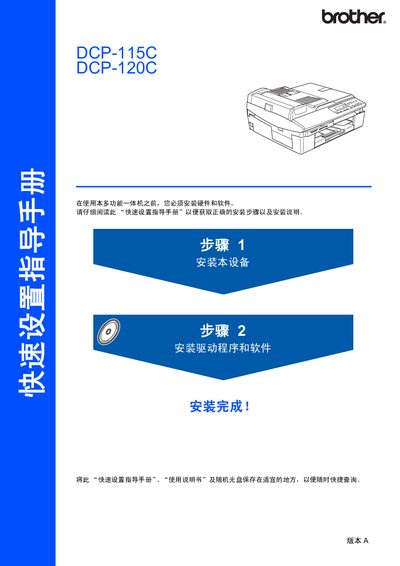
The manual begins with safety information and a list of components included in the box, such as the control panel, power cord, and USB cable. It guides users through hardware setup, including removing protective strips, loading paper, and connecting the power cord with a grounded plug.
It then covers software installation, driver setup for Windows and Mac OS, and USB connection details, specifying the required USB 2.0 cable length and data‑transfer limits. The control panel layout and language selection process are illustrated, helping users start printing, copying, and scanning quickly. This manual is written in Chinese.
| USB interface speed | 12 Mbit/s |
|---|---|
| Maximum USB cable length | 6 feet (2 m) |
| USB compatibility | Works with USB 1.1 computers |
Use a USB 2.0 cable that is no longer than 6 feet (2 m).
Yes, the printer can connect to computers with a USB 1.1 interface, though the data rate will be limited.
The device must be equipped with a grounded plug.