
This is a quick setup guide for the HP DCP-120C printer, which introduces the hardware setup and software installation
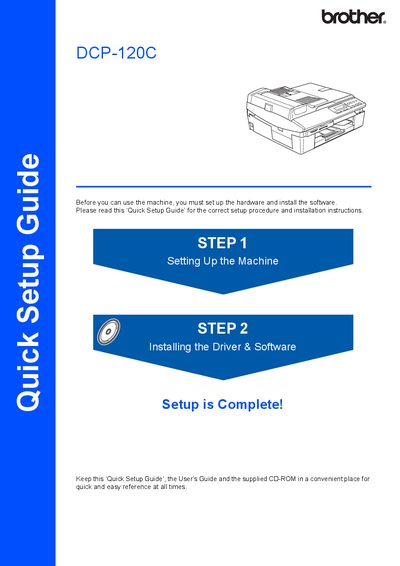
This document serves as a Quick Setup Guide for the Brother DCP-120C multifunction device. It outlines the initial steps required to prepare the machine for use, such as removing protective parts, loading paper, installing ink cartridges, and connecting power.
The guide also details the installation process for the MFL-Pro Suite driver and software on both Windows and Macintosh operating systems. It includes specific notes regarding USB interface compatibility and cable length requirements.
The USB cable used must be no longer than 6 feet long (2 meters).
The maximum data transfer rate will be 12 Mbits/s.