
Key facts
Start here
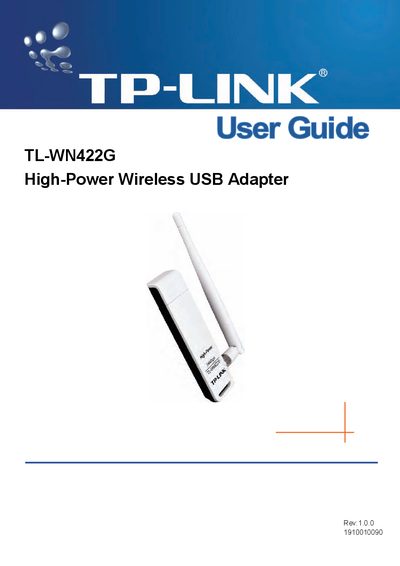
TP-Link TL-WN422G High-Power Wireless USB Adapter User Guide
This guide introduces the TL-WN422G high‑power wireless USB adapter, describing its IEEE 802.11b/g support, data rates up to 54 Mbps, and security features such as WPA, TKIP, AES, and up to 256‑bit WEP encryption. It outlines the package contents, system requirements, and LED status indicators.
The manual covers installation steps for Windows XP, Vista and other supported OSes, network configuration options (ad‑hoc and infrastructure modes), software configuration, and provides detailed specifications including frequency, transmit power, range, and environmental limits.
TP-Link TL-WN422G specifications
| Interface | A-type USB 2.0 Connector |
|---|---|
| Standards | IEEE 802.1b; IEEE 802.1g |
| Operating System | Windows 98, ME, 2000, XP, 2003, Vista |
| Frequency | 2.4 ~ 2.4835 GHz |
| Indoor Range | Up to 100 m |
| Transmit Power | Typical 13 dBm, 16 dBm (Max) |
| Data Security | WPA; 64/128/256‑bit WEP; TKIP/AES; IEEE 802.1X authentication |
Source: TP-Link TL-WN422G High-Power Wireless USB Adapter User Guide
All TP-Link TL-WN422G documents by type
Day-to-day operation, settings and troubleshooting. Start here if the product is already set up.
Questions answered in these manuals
What operating systems are supported by the TL‑WN422G?
It supports Windows 98, ME, 2000, XP, 2003, and Vista.
From: TP-Link TL-WN422G High-Power Wireless USB Adapter User Guide
What is the indoor wireless range of the adapter?
The adapter can reach up to 100 m indoors.
From: TP-Link TL-WN422G High-Power Wireless USB Adapter User Guide
What are the minimum system requirements for the TL‑WN422G adapter?
A PC/AT compatible computer with a USB interface running Windows 98, ME, 2000, XP, 2003, or Vista.
From: TP-Link TL-WN422G High-Power Wireless USB Adapter User Guide
What does the LED indicator show in ad‑hoc mode?
The LED stays solid green, indicating ad‑hoc mode regardless of whether the device is connected.
From: TP-Link TL-WN422G High-Power Wireless USB Adapter User Guide
What security encryption does the adapter support?
It supports WPA, WPA2, WEP (64/128/256‑bit), TKIP and AES encryption.
What does the indicator light indicate?
The front status LED flashes when the adapter is powered and has an active wireless connection.