
Key facts
- Brand
- TP-Link
- Model
- TL-SL3428/TL-SL3452
- Category
- Network Switches
- Industry
- Electronics
- Documents
- 2
- Languages
- EN
- Last added
- 2026-11-03
Start here
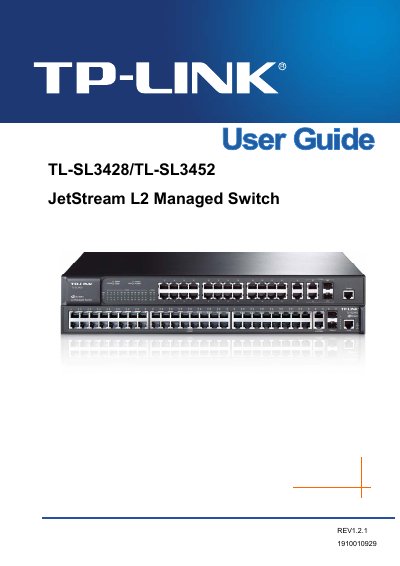
TP-LINK TL-SL3428/TL-SL3452 JetStream L2 Managed Switch User Manual
This document serves as the user guide for the TP-LINK TL-SL3428/TL-SL3452 JetStream L2 Managed Switch. It provides comprehensive instructions on setting up the device, including package contents, safety information, and initial login procedures. The guide details the physical appearance of the switch, describing the front and rear panels to help users identify ports and indicators.
Read onlineTP-LINK TL-SL3428/TL-SL3452 specifications
| Transmission Rate (Gigabit Ethernet) | 2000Mbps FD |
|---|---|
| Transmission Rate (Fast Ethernet) | 100Mbps HD, 200Mbps FD |
| Operating Temperature | 0 ~ 40 ℃ |
| Storage Temperature | -40 ~ 70 ℃ |
| Forwarding Rate (1000Base-T) | 1488095pps/port |
Source: TP-LINK TL-SL3428/TL-SL3452 JetStream L2 Managed Switch User Manual
All TP-LINK TL-SL3428/TL-SL3452 documents by type
Day-to-day operation, settings and troubleshooting. Start here if the product is already set up.
Mounting, wiring and first power-up. Read it before the hardware goes in.
Questions answered in these manuals
What is included in the package?
The package includes one switch, one power cord, one console cable, two mounting brackets, an Installation Guide, and a Resource CD.
From: TP-LINK TL-SL3428/TL-SL3452 JetStream L2 Managed Switch User Manual
How can the product be completely shut off?
If there is no power button, the only way to completely shut off power is to disconnect the product or the power adapter from the power source.
From: TP-LINK TL-SL3428/TL-SL3452 JetStream L2 Managed Switch User Manual