
TP-LINK TL-WN422G High-Gain Wireless USB Adapter enables significantly great connection reliability, even in noisy environment. Wireless Roaming, light and flexible, can move among different AP with no break. Provides AP Client Mode, supports PSP connection.
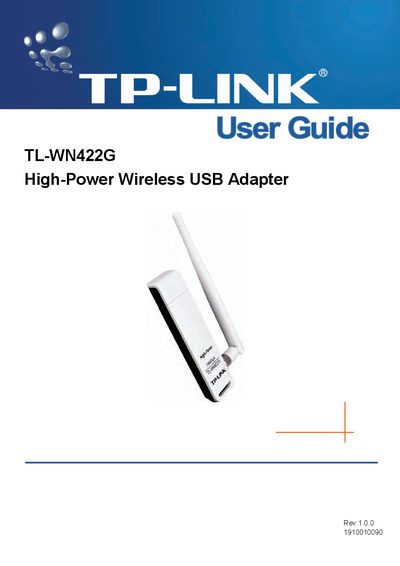
This guide introduces the TL-WN422G High‑Power Wireless USB Adapter, a USB 2.0 pen‑size device that supports IEEE 802.11b/g 2.4 GHz operation with data rates up to 54 Mbps. It outlines the main features, LED status indicators, and system requirements for Windows 98/ME/2000/XP/2003/Vista.
The manual covers installation steps, software configuration for both station and access‑point modes, uninstall procedures, and detailed specifications such as interface type, supported standards, frequency band, transmission distance, power output, and security protocols.
| Interface | A-type USB 2.0 Connector |
|---|---|
| Standards | IEEE 802.11b; IEEE 802.11g |
| Operating System | Windows 98, ME, 2000, XP, 2003, Vista |
| Frequency | 2.4 ~ 2.4835 GHz |
| Transmission Distance | Indoor up to 100 m, outdoor up to 300 m |
| Transmit Power | Typical 13 dBm, 16 dBm (Max) |
| Data Security | WPA; 64/128/256‑bit WEP; TKIP/AES; IEEE 802.1X authentication |
| Working Temperature | 0 °C ~ 40 °C (32 °F ~ 104 °F) |
| Storage Temperature | -40 °C ~ 70 °C (-40 °F ~ 158 °F) |
| Humidity | 10 % ~ 90 % RH, non‑condensing |
A PC/AT compatible computer with a USB interface running Windows 98, ME, 2000, XP, 2003, or Vista.
The LED stays solid green, indicating ad‑hoc mode regardless of whether the device is connected.
Indoor transmission can reach up to 100 m, while outdoor transmission can reach up to 300 m, depending on the environment.
The adapter supports WPA, 64/128/256‑bit WEP, TKIP, AES, and IEEE 802.1X authentication.