
Key facts
Start here
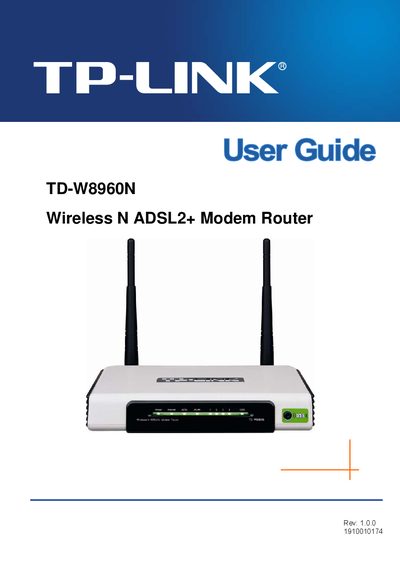
TP-Link TD-W8960N Wireless N ADSL2+ Modem Router User Guide
This guide covers everything you need to get the TP-Link TD-W8960N Wireless N ADSL2+ Modem Router up and running, including package contents, hardware layout, and basic operation. It also explains how to configure network settings, secure your wireless connection, and perform advanced features such as VLAN and QoS.
The document includes detailed chapters on quick installation, advanced setup, diagnostics, management, and a full specifications appendix, plus a FAQ section that answers common questions about the device.
TP-LINK TD-W8960N specifications
| Wireless Speed | Up to 300Mbps (dynamic) |
|---|---|
| Wireless Standards | IEEE 802.11n, 802.11g, 802.11b |
| Antenna Type | Omni directional, Detachable, Reverse SMA |
| External Power Supply | 12VDC/1A |
| Dimensions | 7.7 x 5.3 x 1.5 in. |
Source: TP-LINK TD-W8960N Wireless N ADSL2+ Modem Router Product Leaflet
All TP-LINK TD-W8960N documents by type
Day-to-day operation, settings and troubleshooting. Start here if the product is already set up.
Questions answered in these manuals
What operating systems are supported by the USB Printer Setup Wizard?
It supports Windows 7 32bit, Vista 32bit, XP 32/64bit, Windows 2003, and 2000.
From: TP-LINK TD-W8960N Wireless N ADSL2+ Modem Router Product Leaflet
What is the operating temperature range?
The device operates between 0°C and 40°C (32°F~104°F).
From: TP-LINK TD-W8960N Wireless N ADSL2+ Modem Router Product Leaflet
What items are included in the package?
The package contains one TD-W8960N router, a DC power adapter, one RJ45 cable, two RJ11 cables, an ADSL splitter, and a resource CD.
From: TP-Link TD-W8960N Wireless N ADSL2+ Modem Router User Guide
What does PPPoE stand for?
PPPoE stands for Point to Point Protocol over Ethernet.
From: TP-Link TD-W8960N Wireless N ADSL2+ Modem Router User Guide