
This document describes the hardware installation of the IK-WB80A network camera, and provides detailed information on its settings, operations and other information.
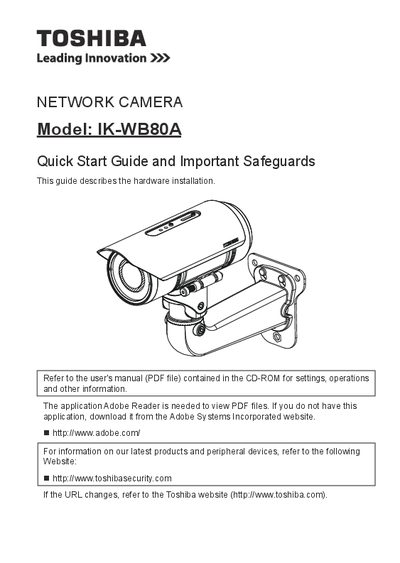
This document serves as a quick start guide for the Toshiba IK-WB80A network camera. It provides essential safety information, lists package contents, and describes the physical appearance of the device. The guide focuses on hardware installation steps such as cabling assembly and network deployment.
The manual also covers initial configuration tasks like assigning an IP address and retrieving images from the camera. Finally, it includes instructions for adjusting the lens and attaching the optional sun shield to complete the setup.
| Product Type | Network Camera |
|---|
The camera should be operated only from a 24 V DC power source.
You must use two supplied screws to fix the sun shield in place.