
This is a user manual for a network video recorder, which introduces the installation, connection, configuration and use of the network video recorder.
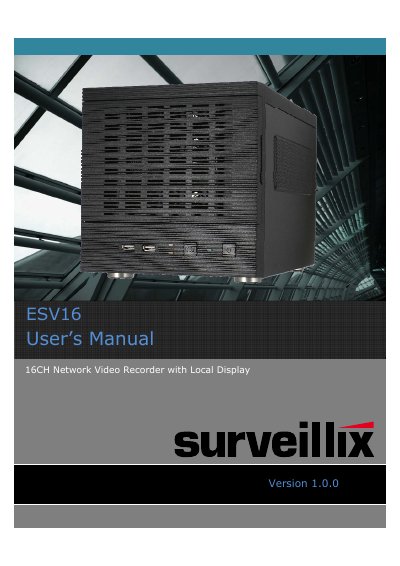
The ESV16 is a 16-channel Network Video Recorder (NVR) designed with a local display interface. The device features a front panel with system and event LEDs, a power button, and a reset button, alongside a rear panel equipped with Gigabit Ethernet ports, VGA, E-SATA, and microphone inputs. It supports up to three 3TB hard drives per tray and includes options for RAID configuration and USB backup.
| Channels | 16CH |
|---|---|
| Maximum HDD Capacity per Tray | 3TB |
Press and hold the Reset/Restore default button for 3 seconds, then release it when the System LED blinks.
A blinking System LED indicates that the device is currently undergoing a firmware upgrade.