
Ricoh SP 1200SU/SP 1200S Quick Installation Guide

This guide provides step-by-step instructions for installing the Ricoh SP 1200SU/SP 1200S printer, including hardware setup, driver installation, and…
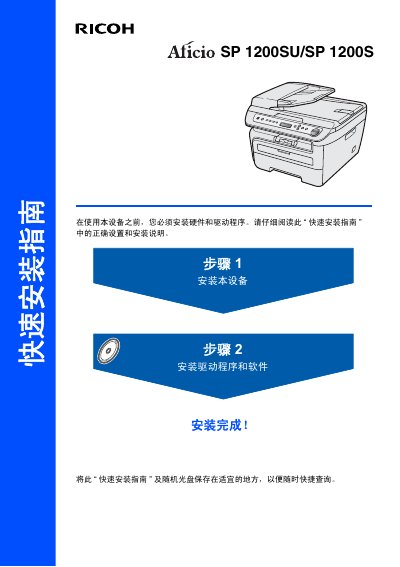

Ricoh SP 1200SU/SP 1200S Quick Installation Guide - cover page
Brand
Ricoh
Category
Printer
Document type
Quick Start Guide
Language
Chinese
Pages
16
File format
PDF
File size
2.2 MB
Published
23 October, 2026
Updated
23 October, 2026
MD5 checksum
EAB2159E7BF7DEF68D83EBDF90551A21

About this manual

This Quick Installation Guide covers the essential steps to set up the Ricoh SP 1200SU/SP 1200S printer. It details the unpacking process, installation of the drum unit and toner cartridge, and loading paper into the tray. The guide also explains how to connect the power cord and configure the device language and display contrast. This manual is written in Chinese.

What's inside

  • Unpacking
  • Control Panel
  • Installing the Drum Unit
  • Loading Paper
  • Installing Power Cord
  • Selecting Language
  • Setting Contrast
  • Installing Drivers
  • Consumables
Download PDF (2.2 MB)

More Ricoh Manuals


View all Ricoh manuals →