
This document is about the registration and support information for the Philips SPZ3000 1 product. It provides 14 features and functions of the product, as well as installation and usage instructions.
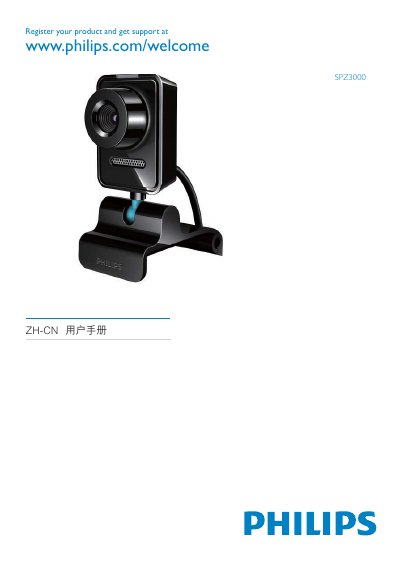
This guide explains how to register your Philips SPZ3000 camera and obtain technical support via the Philips website. It includes a quick‑start section, details on installing the Philips CamSuite software, and instructions for the webcam driver.
The manual lists the supported video capture resolutions, provides a FAQ section, and contains FCC compliance information. All necessary steps to get the camera up and running are covered. This manual is written in Chinese.
| Supported video resolution | 160 x 120 (SQVGA) |
|---|---|
| Supported video resolution | 176 x 144 (QCIF) |
| Supported video resolution | 352 x 288 (CIF) |
| Supported video resolution | 640 x 480 (VGA) |
| Supported video resolution | 1280 x 1024 (SXGA) |
| Supported video resolution | 2560 x 2048 (5MP) |
Visit the registration page at www.philips.com/welcome to register your product and get support.
The Philips CamSuite Capture application is used for video capture.